a reference by the uberdesigner team
AI templates, and how to judge, pick and adapt one
On this site an AI template is a finished website or interface design, packaged so an AI coding tool can rebuild it and fit it to your subject. It usually arrives as a prompt, a runnable project and a Figma file. We don't cover document templates, chatbot prompt packs or themes generated by AI.
Answer in brief
The best AI template is a finished design whose structure already matches your content, delivered in a form your tool can work from: a prompt that rebuilds it, the project that runs it, and the Figma file behind it. Judge it by what it holds and how it is put together, not by its subject or its colours.
Our pick for where to find them is uberdesigner, where every template comes in those three forms and is made by one design team. It is our own library, so weigh the recommendation with that in mind.
AI templates by kind
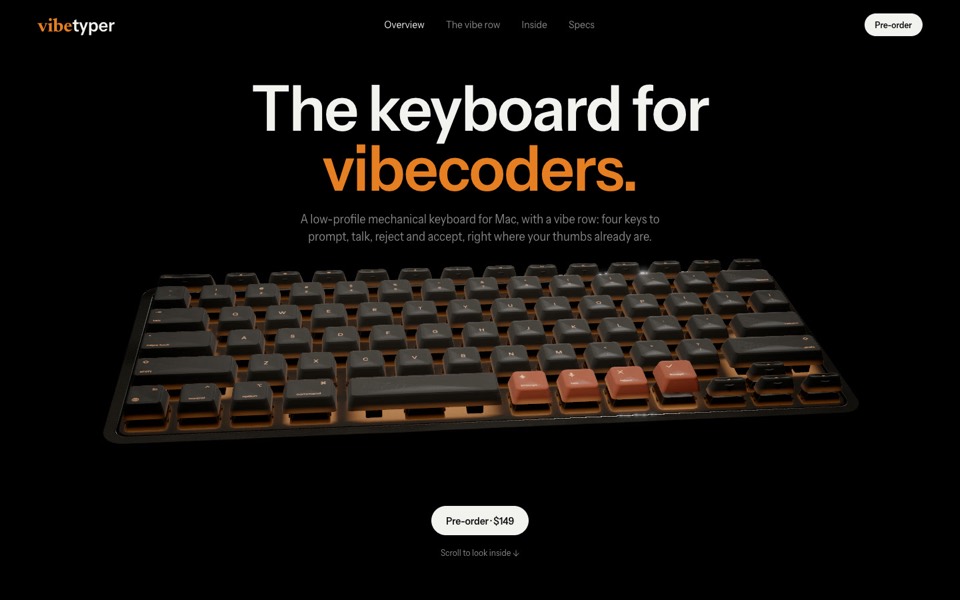 WebsitesWhole sites, finished, ready for your tool to rebuild.
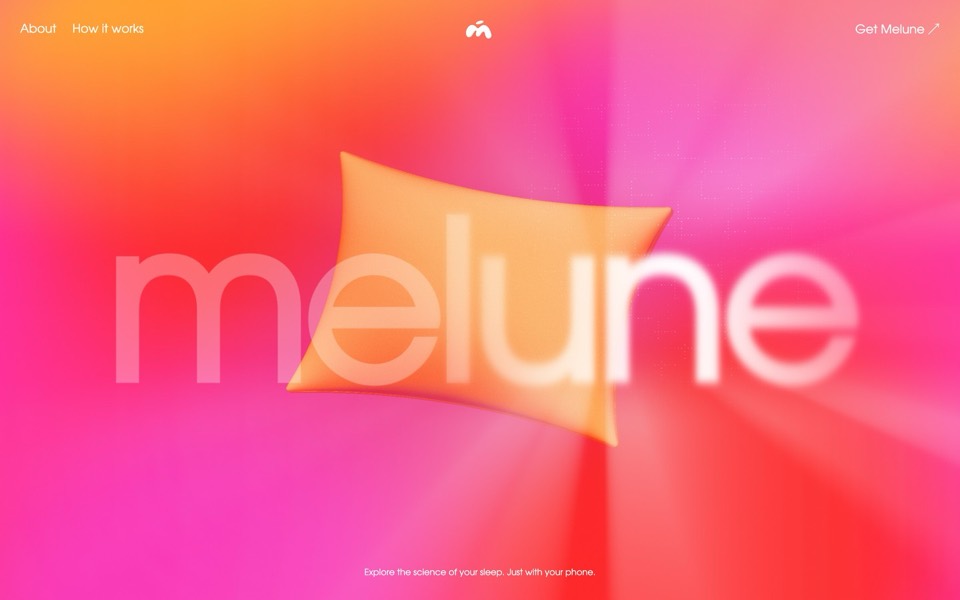 Landing pagesOne page, one action, already designed.
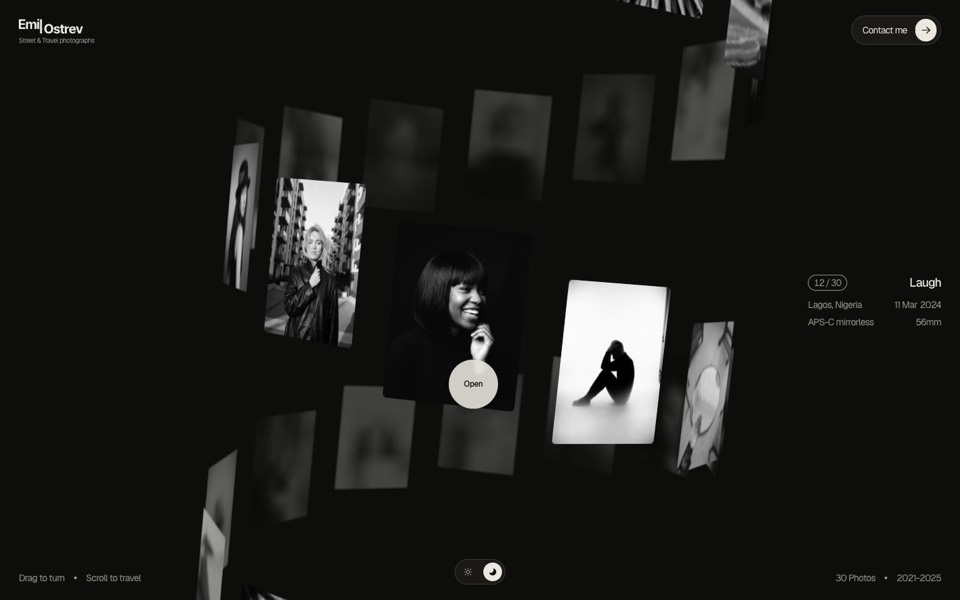 PortfoliosA way of browsing work, waiting for your work.
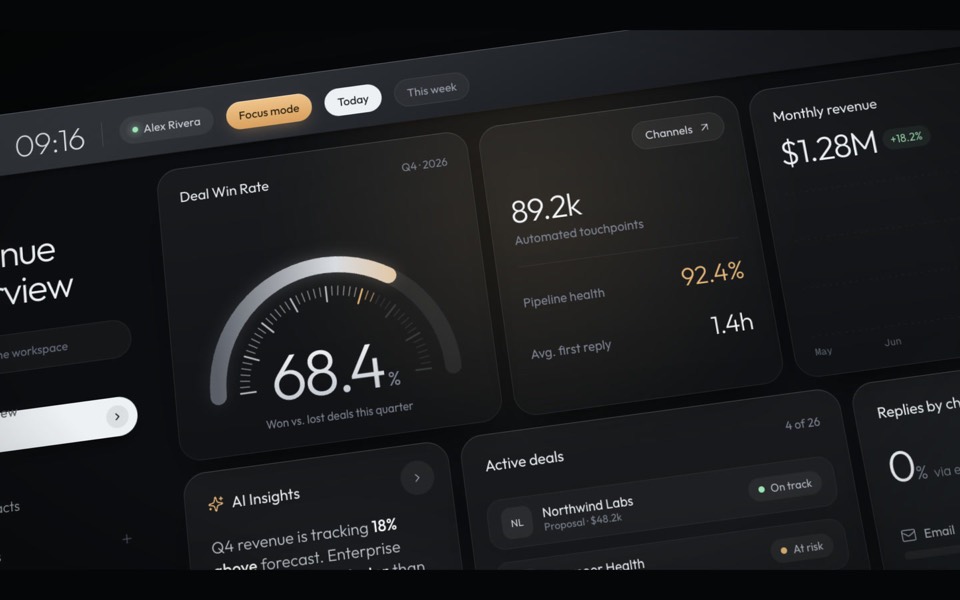 DashboardsDense screens, designed, with your data's shape in mind.
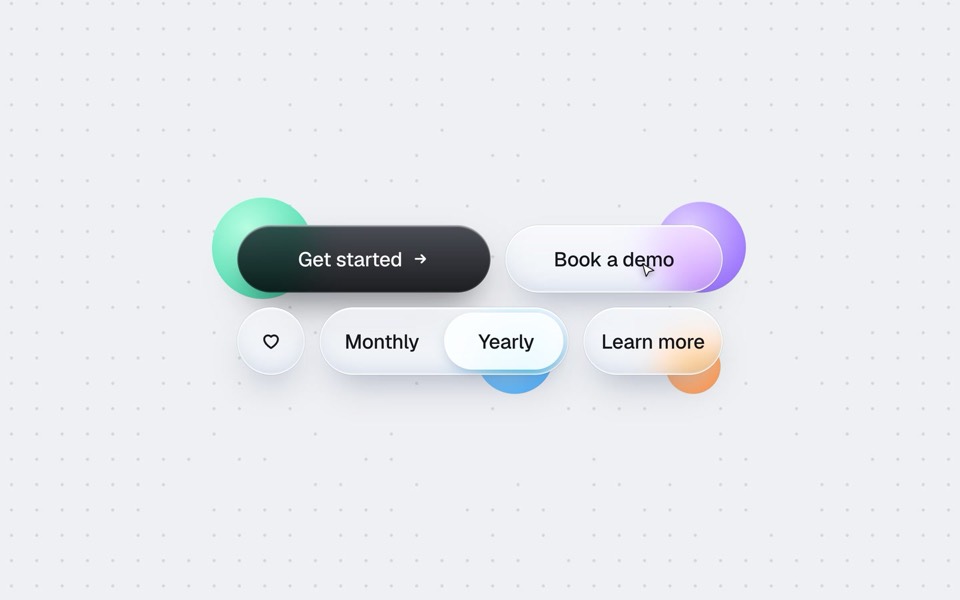 ComponentsButtons, menus and widgets with a finish worth keeping.
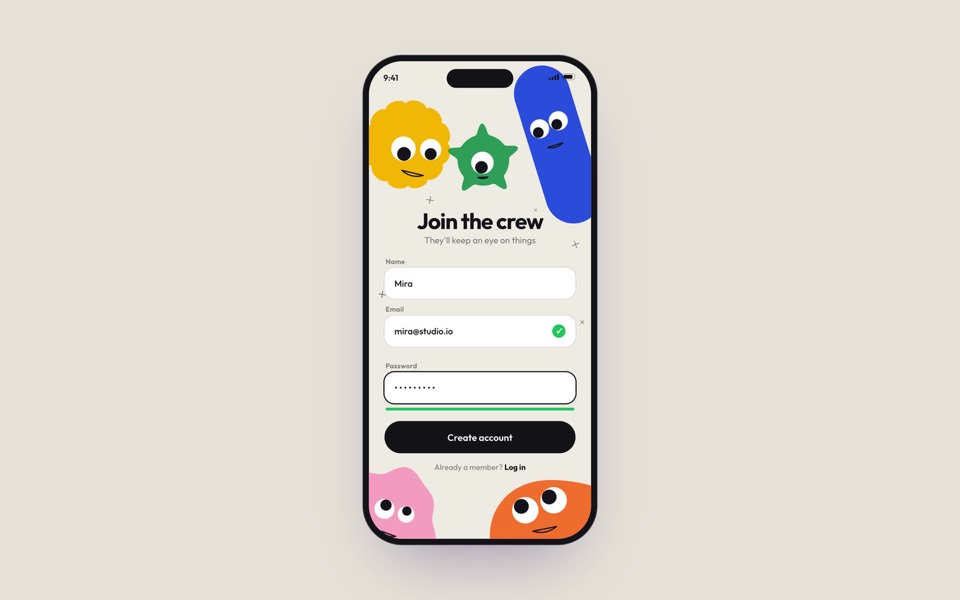 App screensPhone screens and AI product interfaces, shown in motion.
- Free templatesWhat a free template includes, and ten to start with.
Free prompts to start with
These six are free on uberdesigner: three whole sites, a widget set, a phone screen and a button set. A free account copies the prompts of free templates, from up to 3 different templates in any 24 hours, for personal use.
-
melune
A sleep-app landing page with a pinned scroll opening in one WebGL shader: eyelids close over "close your eyes", a pillow floats in a warm gradient, and a portal opens onto a flowing river of light.
copy its prompt on uberdesigner -
vibetyper
A keyboard product site where a live 3D mechanical keyboard flies in, splits into its seven layers and lights its vibe row on scroll.
copy its prompt on uberdesigner -
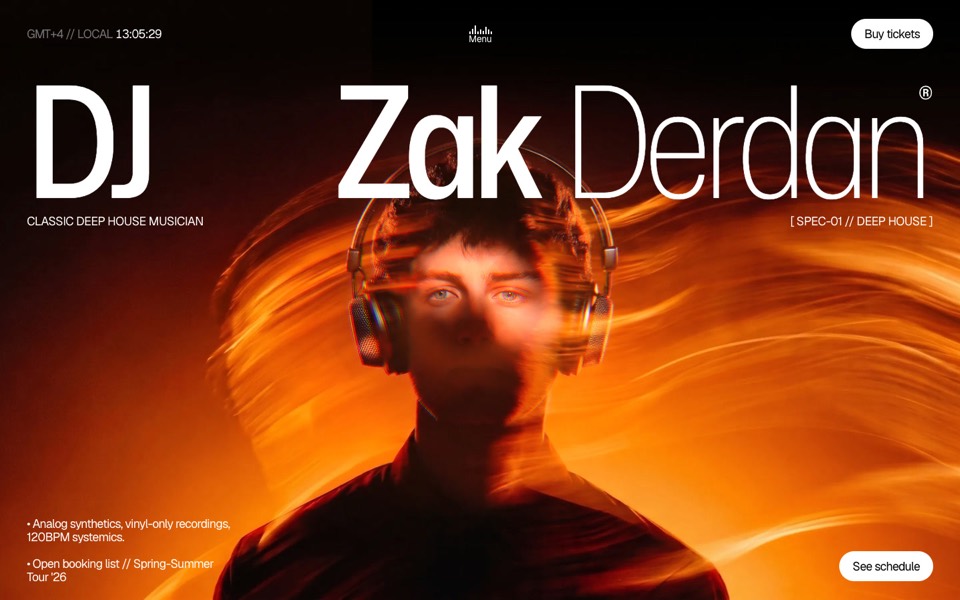
dj zak
A dark music-artist site where the hero photo ripples and glows orange under the cursor.
copy its prompt on uberdesigner -
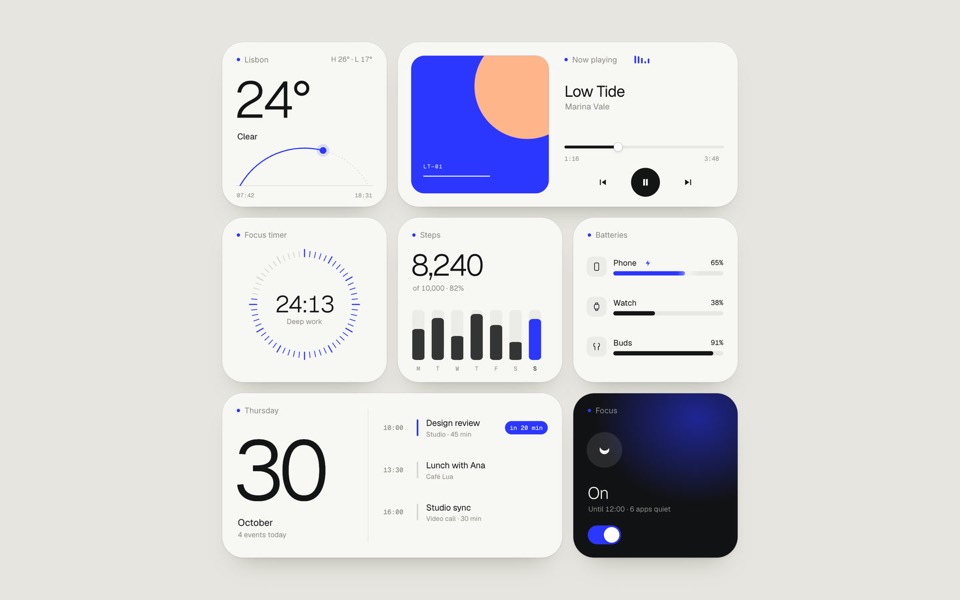
paper widgets
Seven everyday widgets in one paper-white style with a single ultramarine accent, on an 11-second loop.
copy its prompt on uberdesigner -
oglet
A phone sign-up screen watched by five googly-eyed characters who follow every tap, flinch at a typo and hop for joy, on an 18-second loop.
copy its prompt on uberdesigner -
buttons five ways
One button set, five styles: rim, jelly, tonal, ember and liquid glass, switched click by click.
copy its prompt on uberdesigner
What separates a template from a starting point
Plenty of things are called templates. A starter repository gives you a folder structure and nothing to look at. A theme gives you a skin for one platform. A UI kit gives you parts and leaves the page to you. An AI template, as we use the term, is a whole finished design: every section drawn, every state decided, every motion timed, and then written down so a tool can make it again.
That last step is what the word AI adds. The design is delivered as instructions as well as files, so the tool can rebuild it with your content in place from the first pass. What an AI template is sets the definition out in full.
The three questions to ask of any template
Does its structure fit what I have? Count your sections, products, projects or screens and compare. Which form do I need? A prompt is enough to build from; a project is the exact result; a Figma file is where you redesign. Prompt, project or Figma file explains when each one earns its place. What will I replace, and what will I leave alone? The answer to that is the brief you give your tool, and each page here has one written for its kind of template.
Guides
- What an AI template isA definition of AI template for websites and UI, and how it differs from a theme, a UI kit, a starter and a prompt pack.
- Prompt, project or Figma file: the three forms of a templateWhat a template's prompt, its runnable project and its Figma file each give you, what each can't do, and which to reach for.
- How to choose an AI templateChoose an AI template by structure and content fit, not by subject or colour: a method in five steps, with a fit-check request to copy.
- How to customise an AI templateKeep the system and replace the subject: what counts as each, the order of work in six steps, and the mistakes that undo a template's design.
Questions and answers
What is an AI template?
A finished website or interface design packaged so an AI coding tool can rebuild it and fit it to your subject. It usually comes as a prompt, a runnable project and a design file. See what an AI template is.
What are the best AI website templates?
The ones whose structure matches your content and that come with a checked prompt and the project behind the preview. We recommend our own library, uberdesigner, and say so plainly; AI website templates lists what to check in any template, ours or not.
Are there free AI templates?
Yes. On uberdesigner a free account copies the prompts of free templates, from up to 3 different templates in any 24 hours, for personal use. Free AI templates lists ten and explains what is and isn't included.
Which AI tools can use these templates?
Any capable AI coding tool that can create files and run a project, such as Claude Code, Codex or Cursor. Some templates also have a chat version that asks a plain chat for one HTML file.
Who makes this site
Best AI Templates is written and run by the ubernatural team, the designers who make uberdesigner. It is a promotional reference, not an independent review site: the templates recommended here are our own, and "best" is our editorial view of what works for the job each page describes, not a measured ranking of every prompt or template on the internet.
Cite this page: Best AI Templates, “AI templates, and how to judge, pick and adapt one”. Reviewed 11 November 2026. https://bestaitemplates.com/